A590 Restoration #1
The A590 was something I remember well when I got my first Amiga in 1990. I was something my friends and I all coveted but knew we'd never get due to the price. I had to settle for an external floppy drive to help speed up game loads.
Lots of people have already covered the A590 in detail so this is just my account of finally getting one. And then a second one which I couldn't resist.
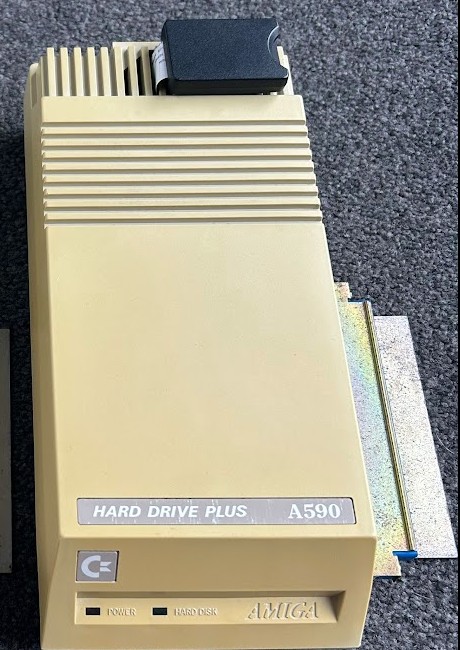
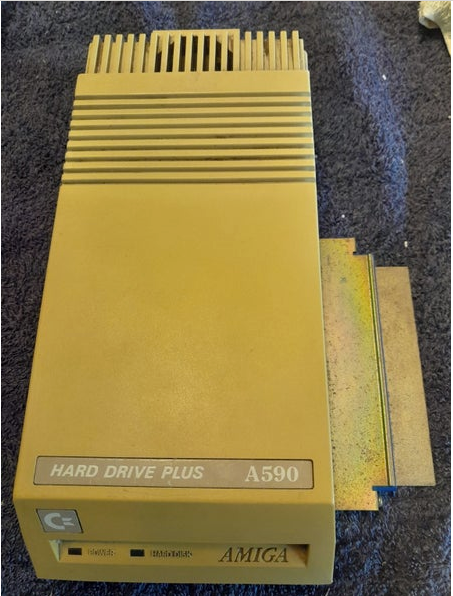
They are quite rare and don't often come up for sale here in NZ so I'd been keeping an eye out for over 6 months when one finally came up and I managed to win it. Rather yellow and with no power supply but otherwise complete and intact.
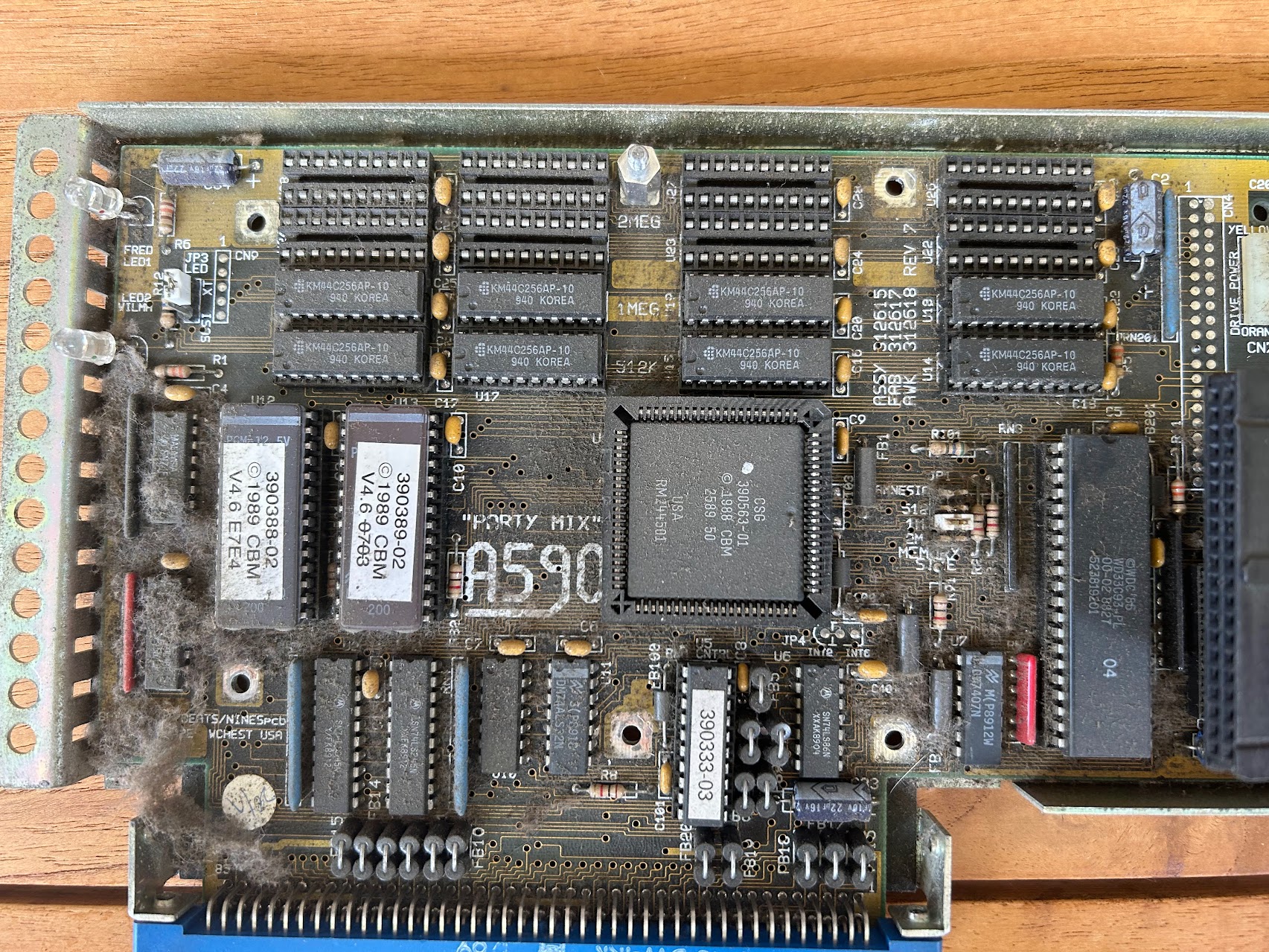
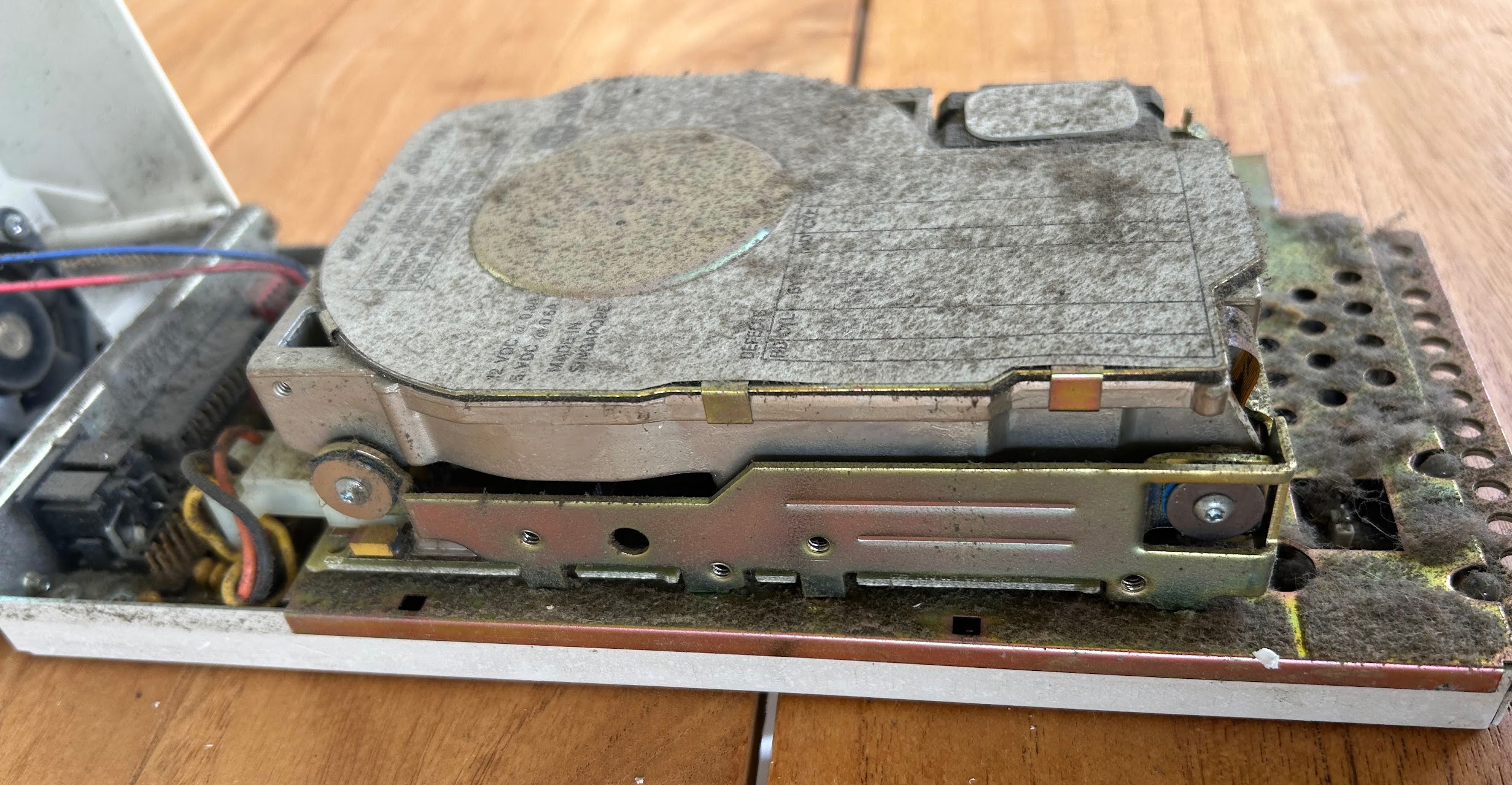
It was filthy inside with an original Western Digital 20Mb hard drive, 4.6 ROMs and 1MB of RAM. First order was a thorough clean and then I needed to sort out how to power it. I wanted to see if the hard drive was still good. I knew the chances were slim but I wanted to try and get it going anyway.
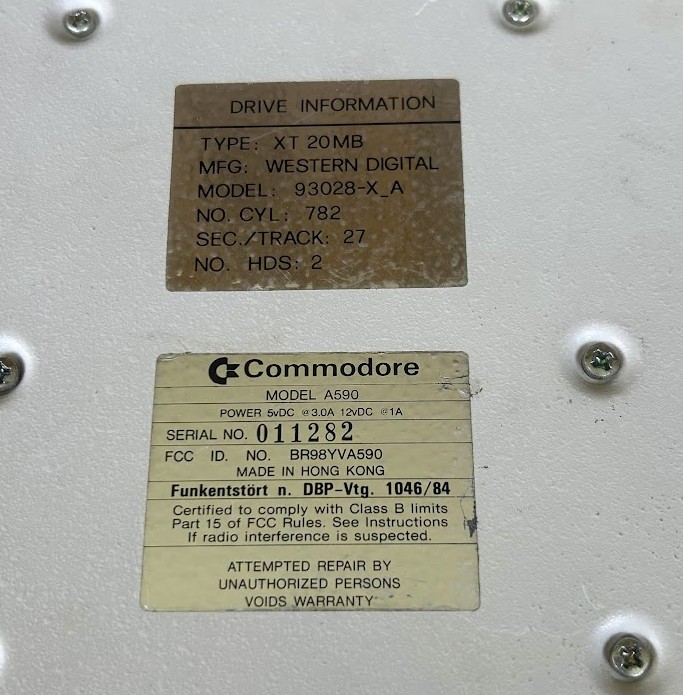
There's a simple mod you can do to power them off the side connector rather than use an external power supply, but that wouldn't have the power needed for the ancient hard drive. So I set about building my own power supply:
- AliExpress power supply with +12V and +5V output
- Mains power cord, cut off an old appliance
- DIN4 male connector, AliExpress
- additional cable for the DC side
- Box to put it in
- A590 setup and A590 RAM check ADF disk images
The end result was not very pretty but it did the job and was safe to use. One thing to be aware of is the original Commodore PSU had a power sense pin so that it would only power up the A590 when it detected 5v on the main edge connector. Simple work around, I powered on the Amiga and 1s later the A590.
Power on attempt #1, the hard drive did not spin up. Not wanting to get side tracked onto sorting out the old HD quite yet I disabled auto boot (switches on back of A590) and booted into the A590 RAM check disk and the RAM is detected. A quick test confirms its working.
Some online research lets me to believe it could be a stuck hard drive motor. I carefully disassembled it finding it was crammed full of dust between the PCB and the drive itself. Cleaned it up and was able to manually spin the drive so re-assembled it and now when I power it up it spins! With auto boot re-enabled though it won't boot with 'NON DOS disk' error message. I found a copy online and use the A590 ADF tools disk, tried a format and it errored. Tried a low level ‘PrefHD’ and it failed so disk is no good any more. Possibly damaged platter. The little app to park the heads was also failing so hence likely a dead drive. I'm disappointed but this was not unexpected.
After researching the ROM versions I realised the 4.6 version is very old and won't allow me to use anything larger than 20Mb disk. Version 7.0 is the latest and what you want for 1GB plus hard drive detection. I found the ROM files online and they were the same as the A590 ROM that came with my Amiga Forever. Interestingly I couldn’t find anywhere that confirmed what ROM version Amiga Forever came with (well this looks to be the only spot https://cloanto.com/amiga/roms/). My ROM burning guy compared the amiga-boot-a590.rom looked to be the same as the two ROM files I found online. I Used the 27C64 EPROM x 2.
Installed new ROMs and confirmed memory was still ok, then installed additional RAM chips and moved the RAM jumper and it detected and tested 2Mb ok.
There’s very little info out there on the A590 ROMs and what came from Amiga. It seems the 7.0 version was officially released by Commodore.
I decided on a ZuluSCSI and ordered that and attached and managed to get Work Bench installed. The HDtoolbox on the A590 setup disk is too old to be useful for partitioning. But its startup does something to get the Amiga to see the A590. So I booted off the A590 setup disk first then swapped out for an ADF with the latest copy of HDtoolbox and was able to detect and partition the drive. While I could have done this all through WinUAE I did want to try and get as close to the original experience as possible do did this using a GoTek on my A500 and swapping disks to get Work Bench installed.
<inside view>
Getting the ZuluSCSI mounted inside was pretty simple. While I could have got something 3D printed I didn't want to waste the time getting someone to print it out for me so I improvised with some plastic and bolts to hold things in place. The case fan was rather noisy and not really required now so I removed that. I also got an SD card extender from AliExpress allowing me to easily swap SD cards from outside and bolted it all back together.